Acer DA220HQL Smart Display - The monitor that doubles as a tablet
The Acer DA220HQL Smart Display can connect to a PC to act as a standard touchscreen, or it can operate independently as a large Android™ tablet. You can use this device to navigate the web with touch and in Full HD brilliance. Used as a tablet, you can also explore and download thousands of Android apps, many for free. This 21.5" display sports stylish design features and tilts back from vertical to almost horizontal, so it's easy to hang on a wall or place flat on a table or counter.
UPDATE 28th Feb 2013: Since this video got some more attention lately, a few words about what you see here: Douglas is an orphaned Wombat who was taken care of at a school camp (where we have been WWOOFing) near Tallangatta in Victoria, Australia. This video is 3 years old so he was just a little baby there! He was meant to be released into the wild someday but since it´s been a long while ago I lost touch with the family who runs the camp...but since I got so many comments and views and watched this video again, I´m really curious what Douglas´ life turned out to be! He was the best experience I´ve ever had with an animal! He once sat himself down in his own (very green) poo and had this nasty little stain on his butt...hahaha...he was just too funny! I fucking miss that fella!!!
http://www.reallusion.com/crazytalk/a... CrazyTalk Animator, the next level of 2D animation. Create actors using any photo or illustration. Bring actors to life with automatic facial animation & innovative puppeteering motion. Drag & drop to build sets with scenery and props. Film and direct all the action with the camera & timeline tracks for complete 2D Animation.
There has also been concern over the use of content from external sources in this video. We want to emphasize that as content creators ourselves, we stand strongly against copyright infringement of any kind. If your project is of the commercial or competitive sort, please get permission before you use material that is not yours. Be good!
Visit http://www.learnrawfood.com to see more easy raw food recipes. In this video, raw food chef and author Jennifer Cornbleet shows you how to enjoy Green Smoothies on the Go and prepares a Banana-Grape Green Smoothie made with fresh fruits and leafy green vegetables. It's popular raw food recipe from her book Raw Food Made Easy for 1 or 2 People Revised.
Traveling can challenge your healthful routine. In airports and on the road, nutritious food is often unavailable. But in this video, Jennifer Cornbleet shows you the simple equipment and ingredients you can take with you so that wherever you go, you can always enough a glass of good nutrition and her Banana-Grape Green Smoothie.
To get your excited about going raw on the road, Jennifer explains why this particular recipe is so travel-friendly. She talks about the availability of various ingredients and how the particular combination of fruits and veggies in this smoothie is both healthy and delicious. Before she starts chopping and dicing, Jennifer offers insights as to the right appliance to take along with you. She explains why she likes the Tribest Personal Blender and outlines the key benefits it delivers.
Then it's time to start 'cooking.' You'll learn how even a 'mini' blender can handle a maximum load of fruits and leafy greens. Jennifer shows you how to process the ingredients in batches to ensure that your smoothie is just as creamy and lump-free as the name implies.
Jennifer also talks about the convenience of 'green powder,' a nutritional supplement made from dehydrated greens. It can replace the fresh greens in any smoothie, making this recipe even more appropriate to travel.
green smoothie smoothies travel healthy raw food raw food living raw diet raw food travel food personal blender raw food made easy
green smoothie, smoothies, travel, healthy, raw food, raw food living, raw diet, raw food travel food, personal blender, raw food made easy
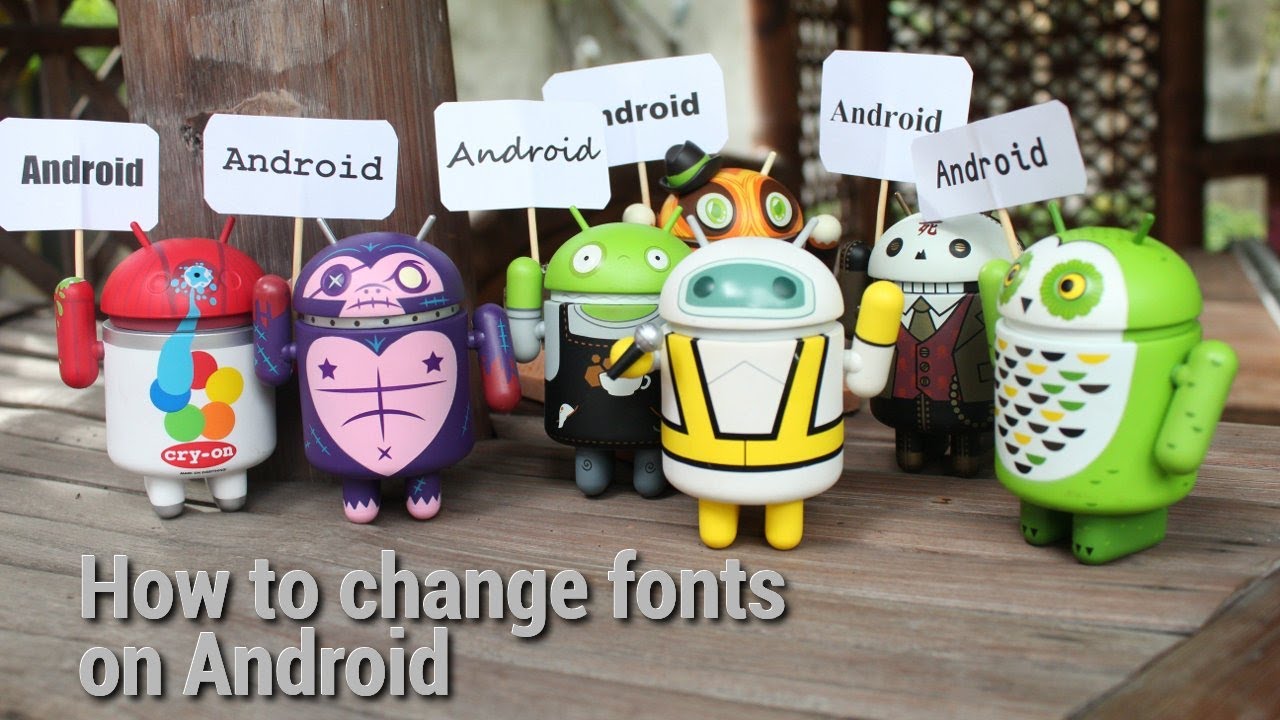
Ever wanted to see serif text and labels on your Android device? Or, what about fancy or cursive typeface? Or, perhaps, some alternate sans-serif font? In this video, learn how to change fonts on Android, using a method for either rooted or non-rooted devices.
The cameras on our smartphones are pretty great, and most of us use them to constantly take pictures. Unfortunately, not every picture turns out great and some might need some post-processing. The upside is that there is an abundance of photo editing applications for Android. But which ones should you check out? These are the best photo editors for Android.